Getting started
Turn on a data layer
Before you start
You need the Admin or Manager role, or a custom role that can manage configuration. Data layers are free to switch on and off.
Open Add-ons
In the main sidebar, click Add-ons, just above Settings. Each card is a free data layer:
- Companies House
- The Gazette
- Energy Performance (EPC)
- Data Protection (ICO)
- Business Rates (VOA)
- Gender Pay Gap
- Food Hygiene Ratings
- CQC Regulatory
- Care Inspectorate (Scotland)
Note
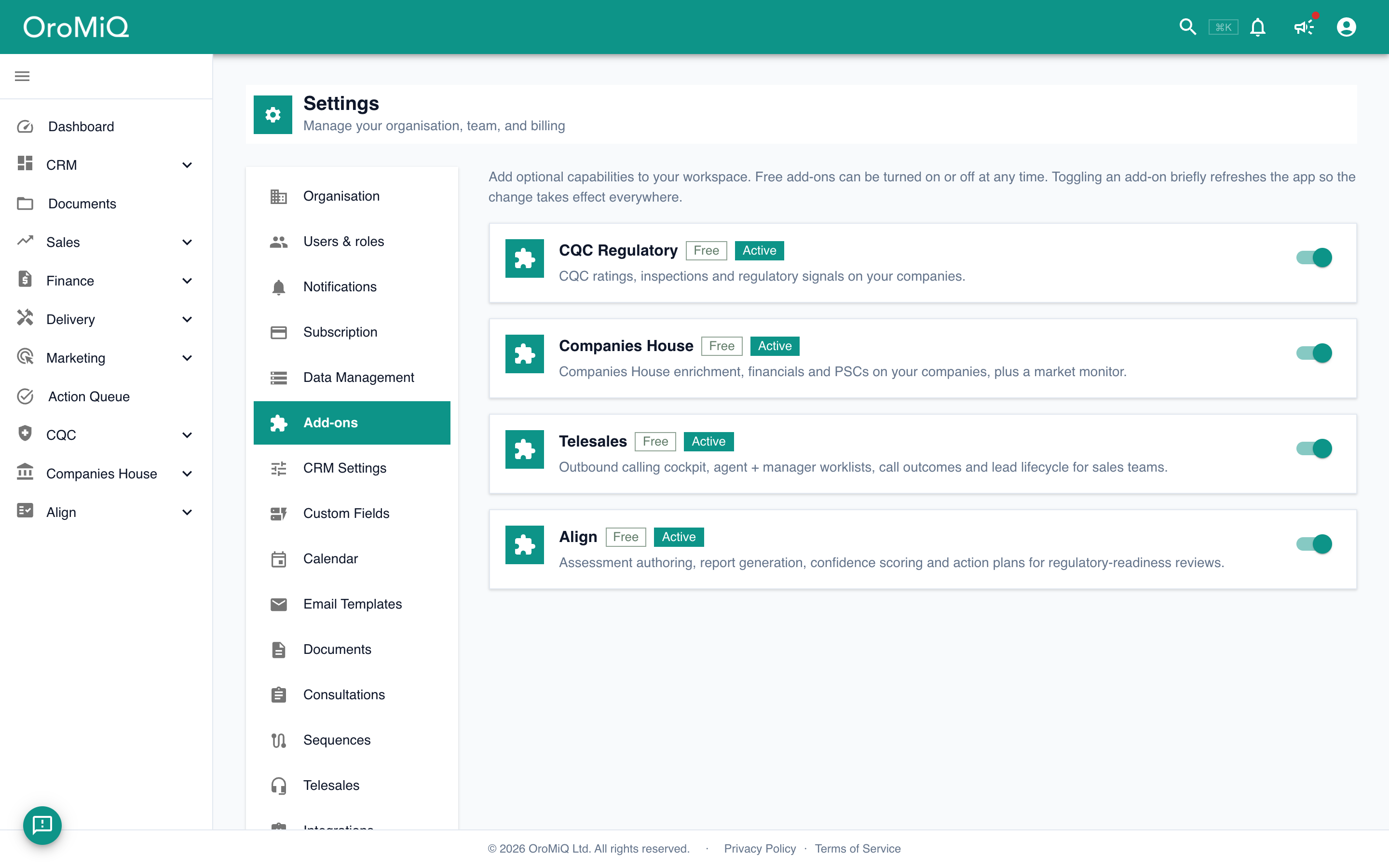
Open a data layer that is switched off
A card with a grey icon and no Active badge is switched off. Nothing from that dataset appears in the app while it is off.
Click the card to open its details and read What you get.

Switch it on
At the bottom of the dialog, turn on the switch. OroMiQ shows Applying… and refreshes so the change takes effect everywhere. The switch then reads Enabled for your workspace, and the card shows an Active badge.
Note

Link a company to its official record
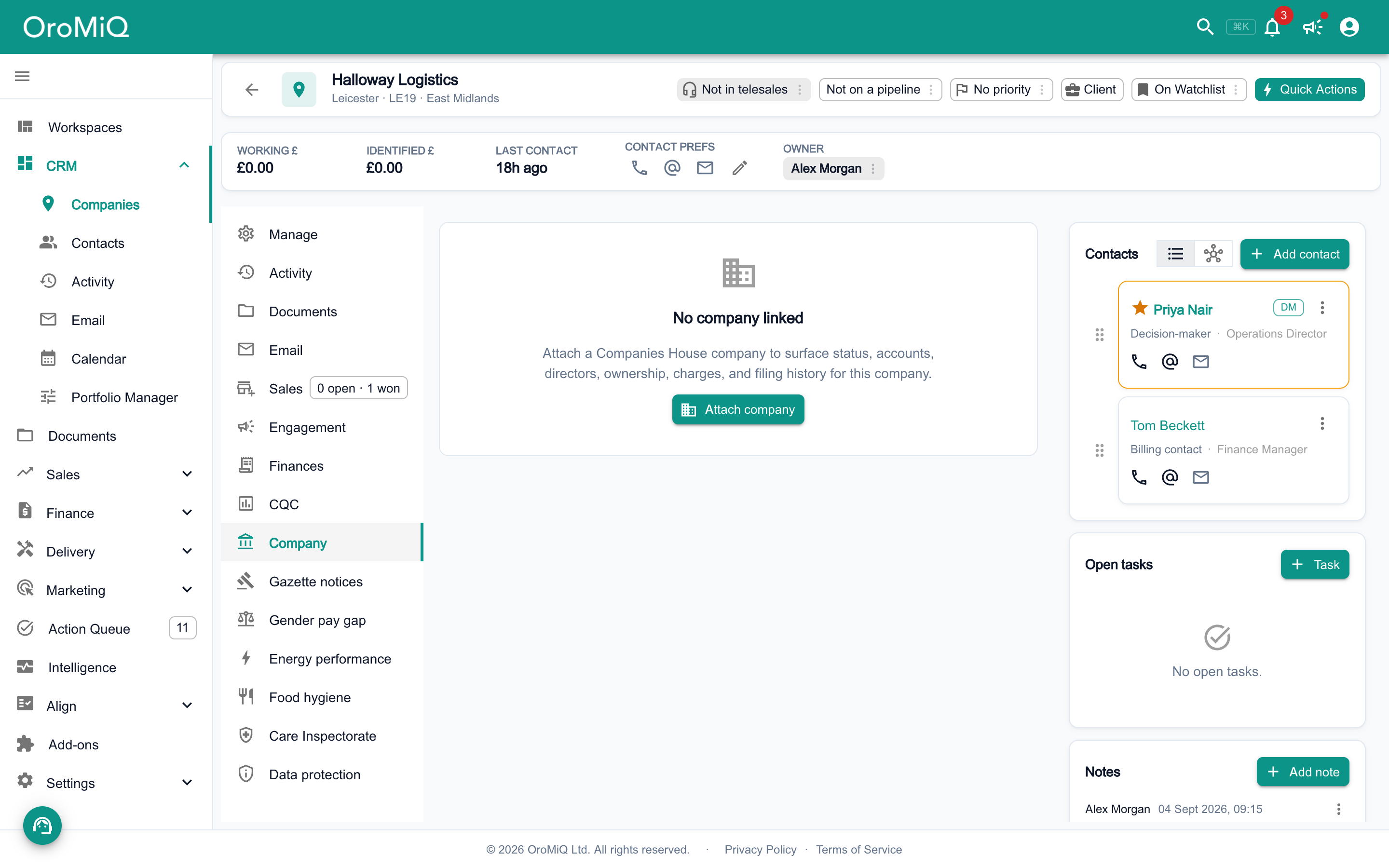
Open a company. The layer adds its own section to the left-hand menu of the company record, for example Company for Companies House, Gazette notices or Energy performance.
Open that section and link the company to its official record. The enrichment only appears once the company is linked.
See what else changes
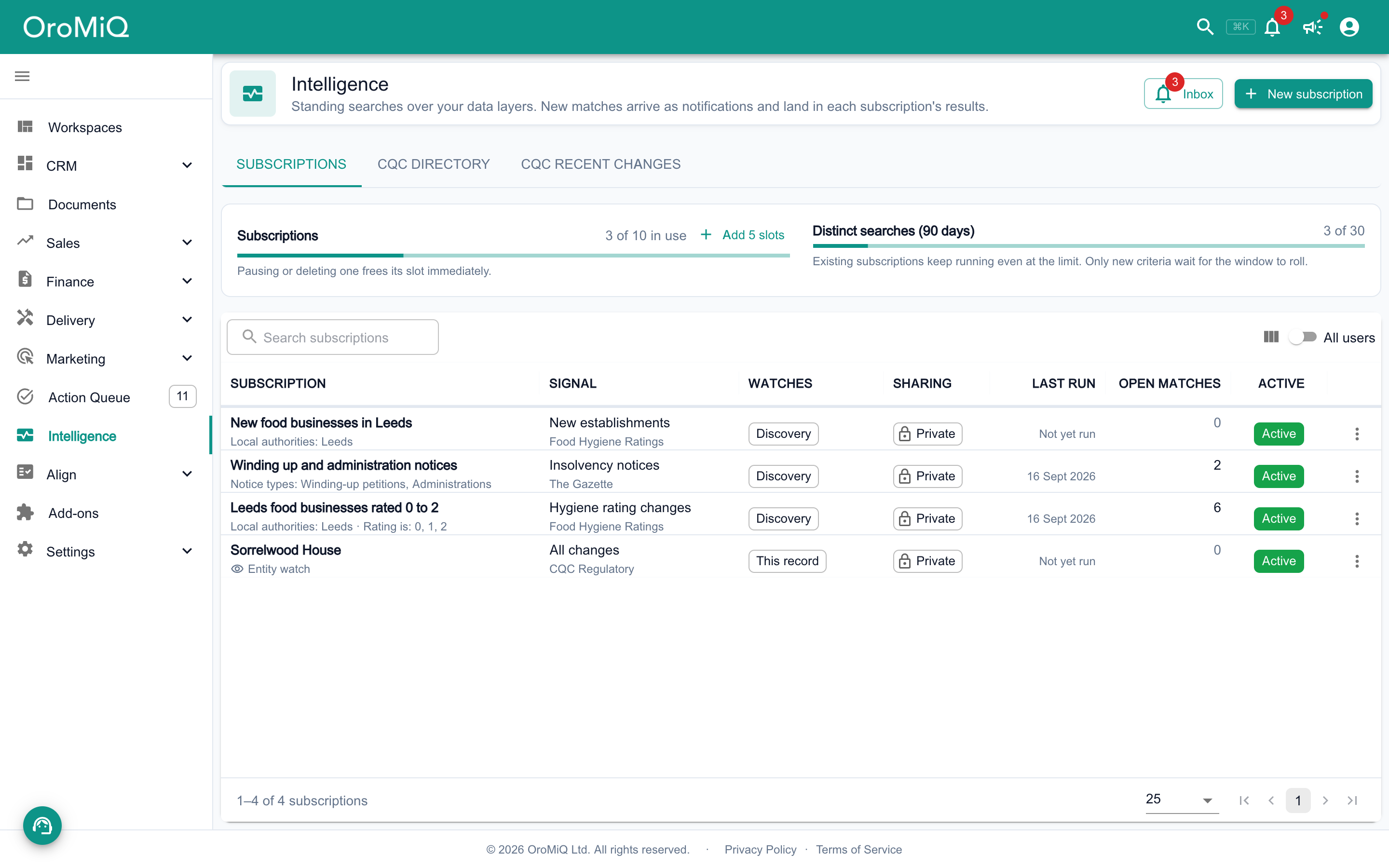
Depending on the layer, you also get extra filters and columns in Views, and new changes you can subscribe to in Intelligence. Some layers add their own tabs to Intelligence too, such as the CQC directory and CQC recent changes tabs shown here.
What next
Cannot find what you need? Browse the Help Centre or submit a support ticket.